This month, I’m entering retirement. I’ve been writing software for over 4 decades and since 2017 it’s been almost exclusively spent customizing NetSuite. My time with NetSuite started out somewhat rocky. In fact my very first blog article was a scathing rebuke of the NetSuite platform and support. As I retire, I’d like to bookend with this. It is my pleasure to report good things about NetSuite.
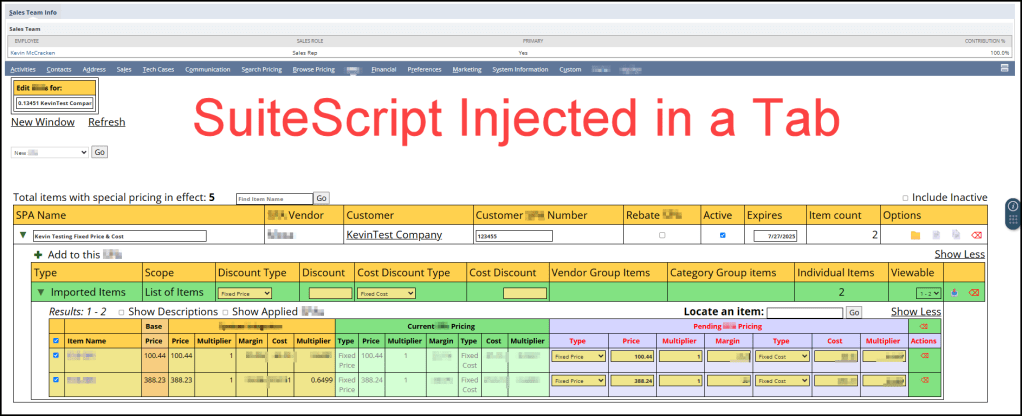
I find NetSuite incredibly extensible. As a developer, you are free to write your own single page apps, meaning you can inject custom pages anywhere in NetSuite. I like writing “modules” comprised of a Suitelet (the page), an HTML file for any statically defined markup, a Restlet (AKA restful API), often times I include a module-specific library, and finally a client script. This offers a clear separation of concerns. You can create your own data tables, custom record types. You can add custom fields to existing records. You can form your own relationships (parent-child) between all types of records. The sky is the limit!

I really like the selection of JavaScript for both server side and client side code. Over the years, the platform has progressed through SuiteScript 1.0, 2.0 and most recently 2.1. SuiteScript 2.1 is JavaScript ES6, which makes it closely compatible with the latest browser supported JavaScript. Many platform-specific methods are available on the server side and client-side. A call to search.lookupFields() works in a Suitelet, Restlet, or Client Script. A JavaScript method like Array.sort() works in server or client code. Unlike other platforms, where a developer might be writing C# on the server side and JavaScript on the client side, NetSuite reduces complexity by standardizing on one language and one set of platform-specific methods.
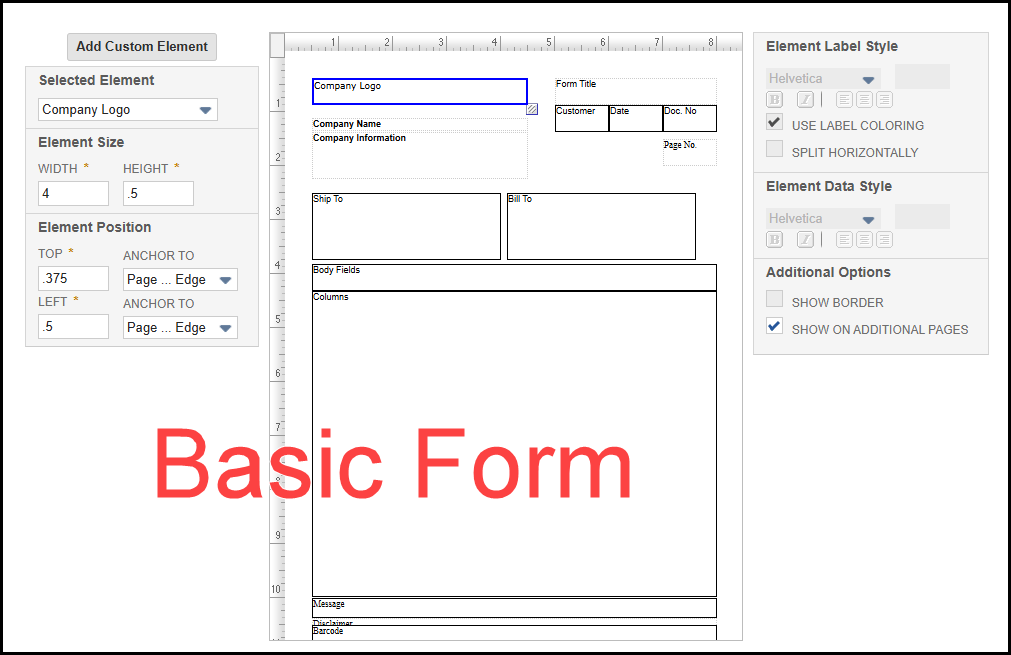
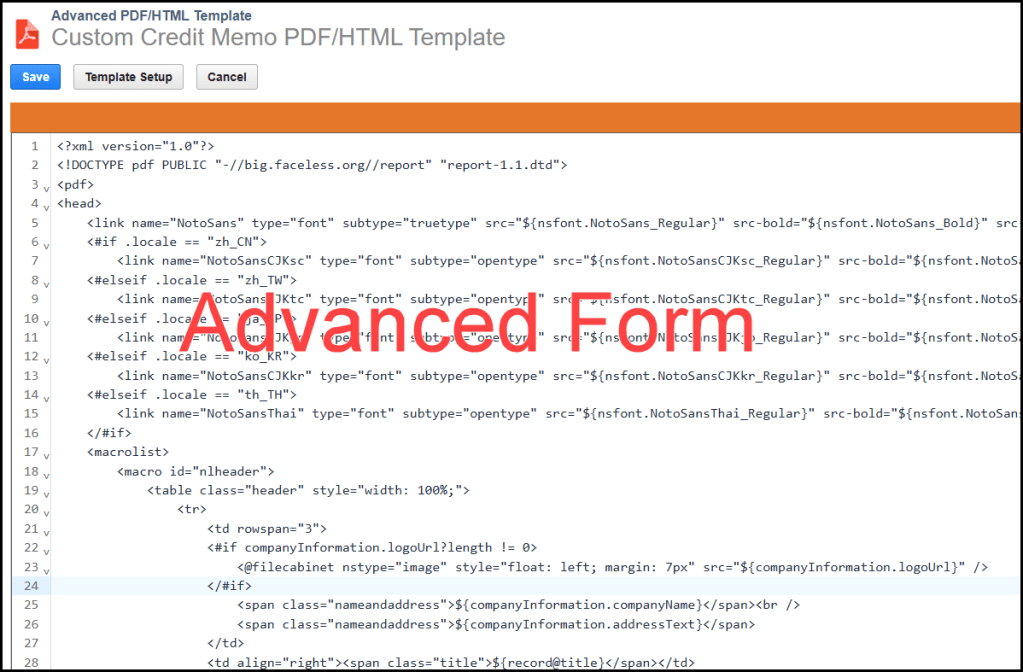
There are many standard reports, but you also have the option of writing saved searches, which can be printed much like a report. Printed transactions, like Estimates, Sales Orders, Invoices, Pick Tickets, Purchase orders, etc. can be customized in 2 ways. You have the option of using a non-developer basic form. Or you can have someone like me customize an Advanced HTML/PDF Template, which is a combination of HTML and Freemarker templating language.
NetSuite offers developers the option of creating background tasks, like Schedule Scripts. If a Scheduled Script becomes too needy and is monopolizing server-side resources, there’s the option of breaking it up into multiples tasks via a Map/Reduce Script.
A developer can inject custom code into a standard form, like viewing or editing a sales order. This is done through User Event Scripts and custom fields. Its even possible to commandeer a section of a standard form, like editing a sales order and injecting a single page app into a section of that form. Basically the sky’s the limit!

I’ve rambled on enough. In summary: I love working with NetSuite and I love writing JavaScript. And, I wanted to give NetSuite some love now that I’ve worked with it for over 8 years. To NetSuite’s credit, they’ve come a long way in a positive direction regarding both platform and support. If you are not a NetSuite customer, it’s worth a look!
I’ll also end with this shameless plug. I am retiring, but I’d kind of like to keep working with NetSuite. If you need any part time help, or want advice on a project, feel free to contact me. I updated the About page with more info about me. Hit the Contact page or comment on this post if you want to get in touch with me. I’ll still be around.
Cheers,
–Kevin


 NetSuite Experiences