This was confusing and cost me a lot of time. A field must be editable and present on the form associated with your CSV import.
If you wish to make a custom field visible to users, but protect against modifications, you can change the display type. Your options are shown below.

If you select any option besides “Normal” you are effectively locking your custom field from UI initiated modifications. Normal is the default.

When you add your custom field to various forms, it propagates that setting. The setting can be modified later, but changing the setting in the definition of the custom field will not change it in the forms. you must actively change it when you reapply to forms.

During your CSV import, you can pick a form. The field must be included in the form and have a display type of “Normal” in order to update using CSV.

With your custom field present and modifiable on the form, it will show up in the list below.
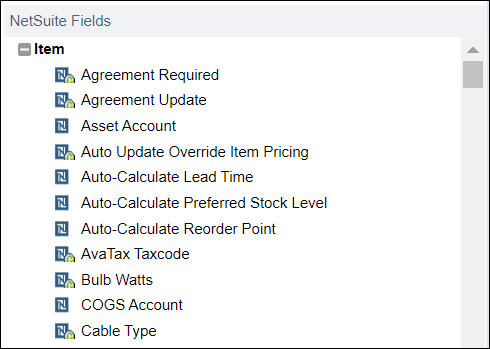
Who would have ever thought the “Display Type” would affect CSV imports? Crazy!
 NetSuite Experiences